
Wifi-Adapter Price in Bangladesh 2026
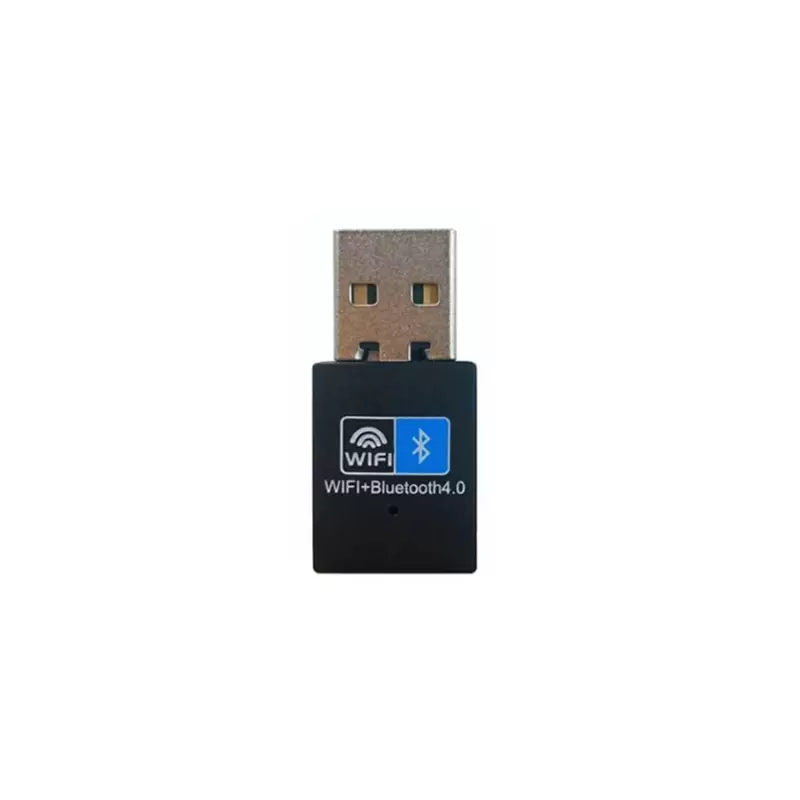
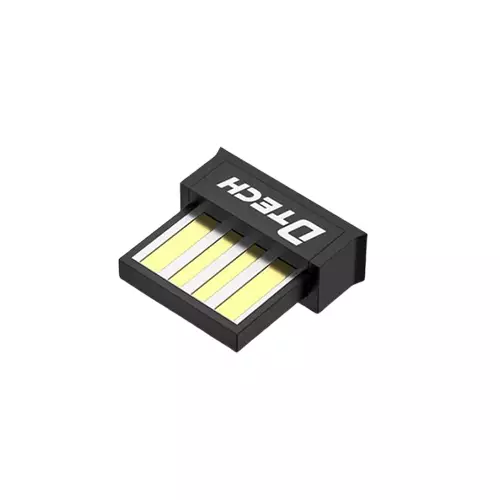
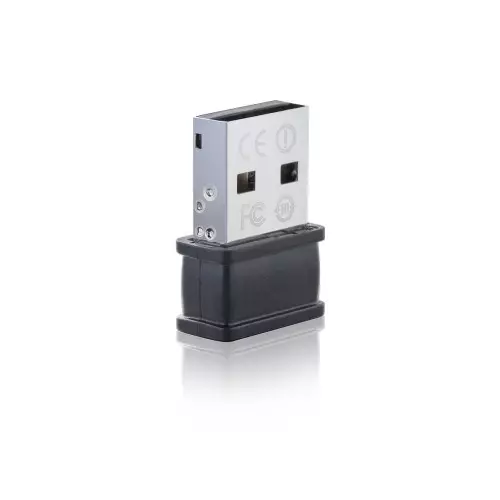
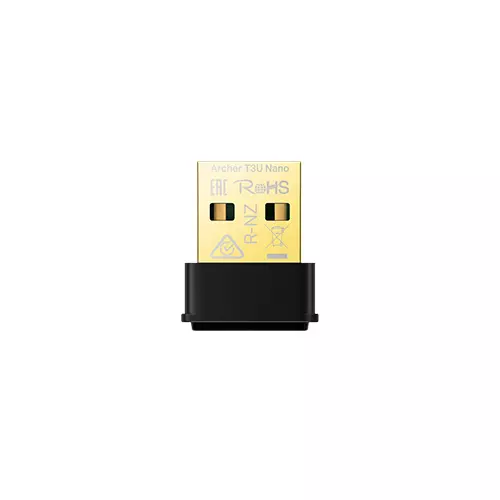
Wifi-Adapter Price in Bangladesh 2026 begins at BDT 600৳ and can go up to BDT 2,190৳ depending on the brand and specifications With a variety of 29 items available at TechLand, where 18 items are in stock now & 25 items offer you the best discount price in BD. Find the perfect Wifi-Adapter for your requirements. Search for Wifi-Adapter price, Wifi-Adapter review, Wifi-Adapter details, Wifi-Adapter specification, Wifi-Adapter price, Wifi-Adapter price in Bangladesh,wifi-adapter for PC, wifi adapter for windows 10, wifi adapter for windows 7, wifi adapter for laptop, wifi ada to learn more about our products and services.
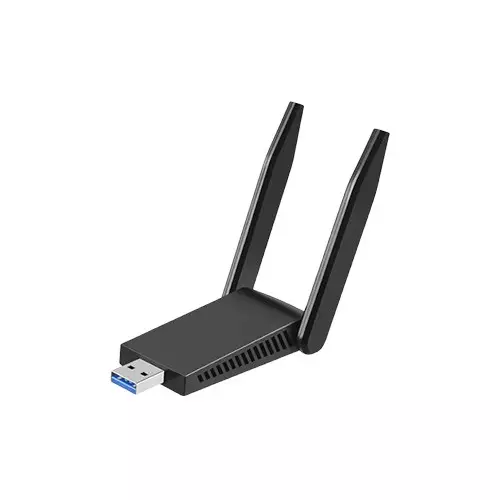
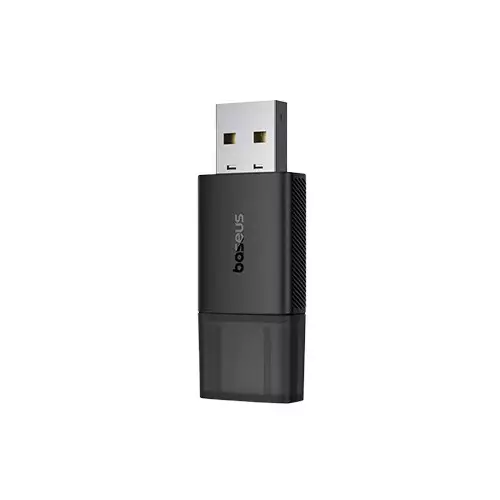
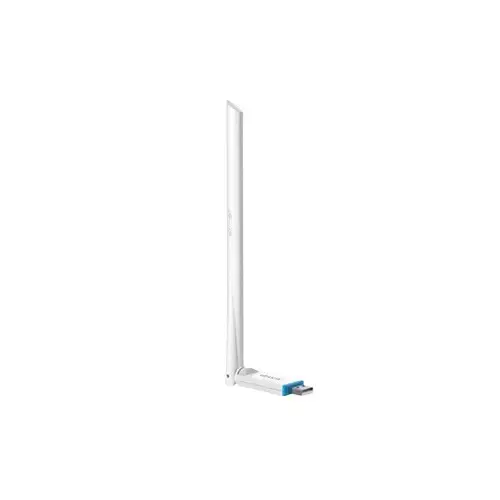
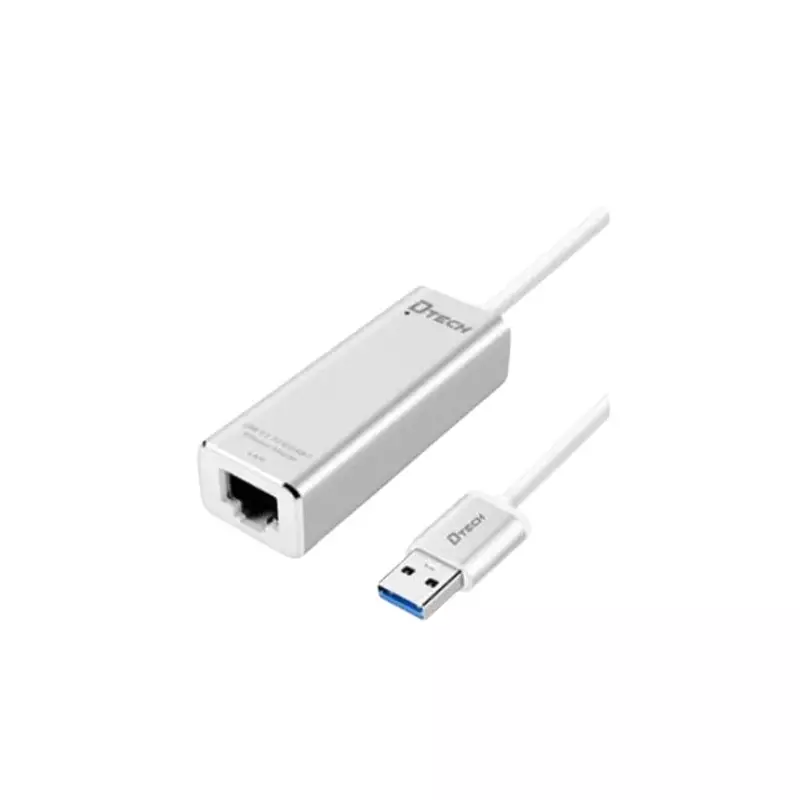
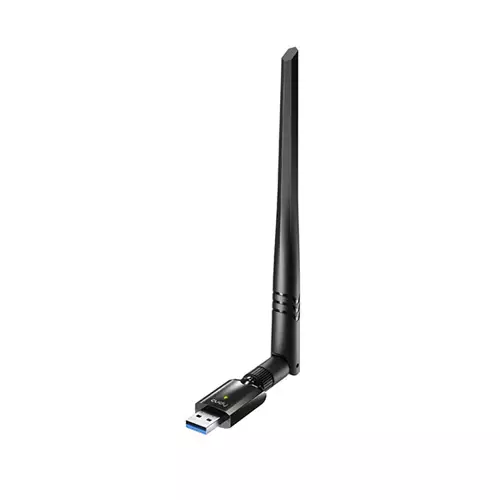
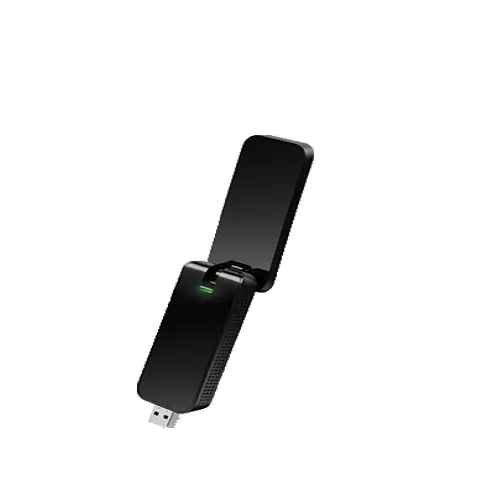
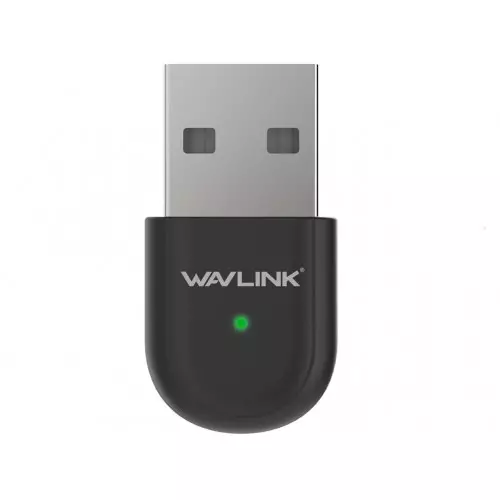
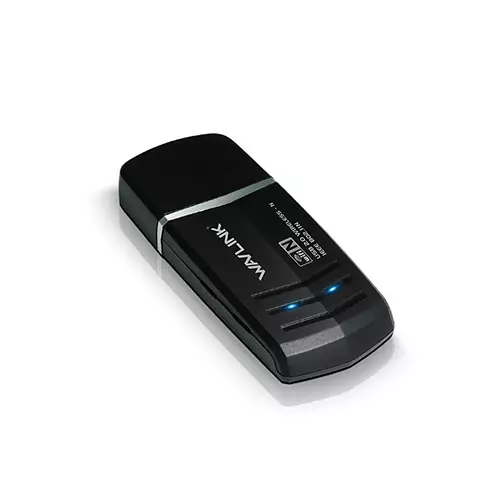
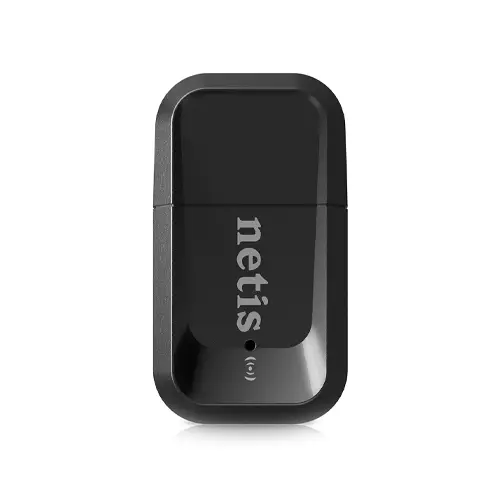
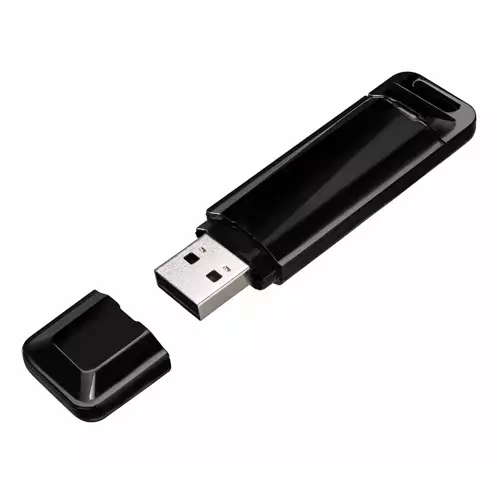
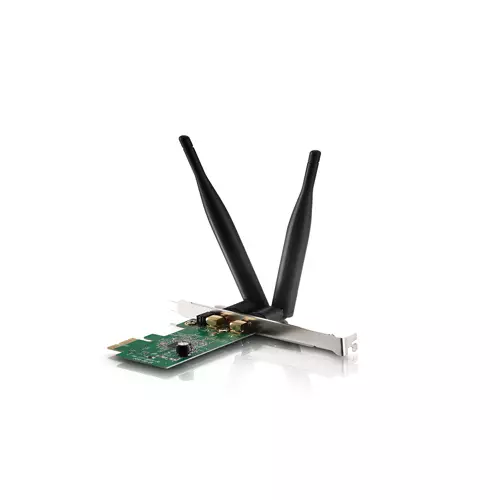
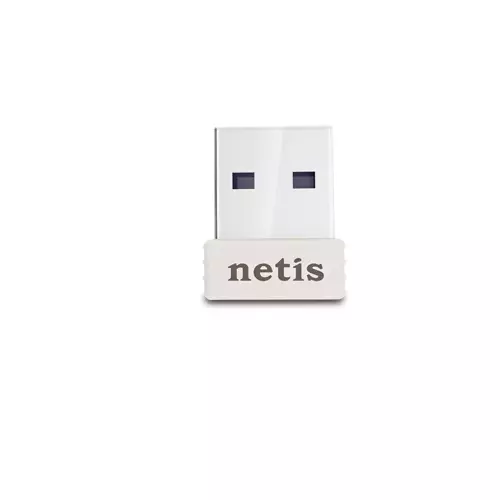
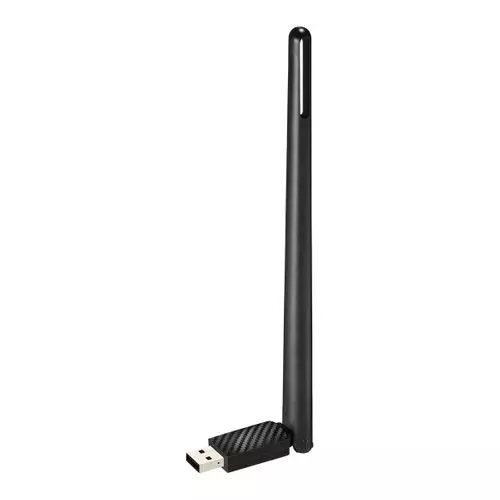
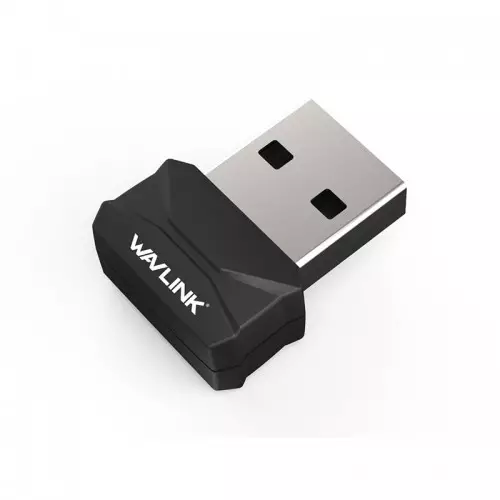
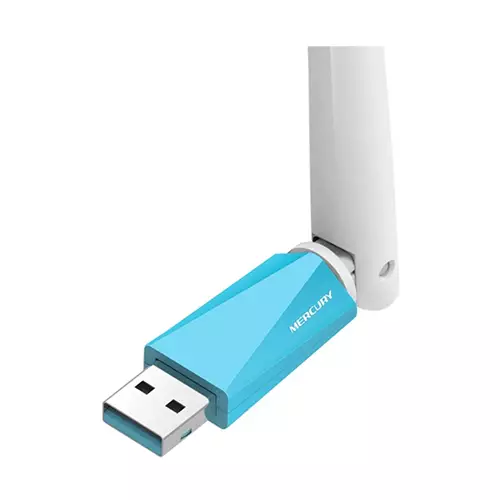
Showing 20 out of 25 products
Wifi adapter price in Bangladesh 2026
A Wi-Fi adapter, also known as a wireless network adapter or WLAN adapter, is a hardware device that enables a computer, laptop, or other device to connect to a wireless local area network (WLAN) and access the internet or communicate with other devices on the network. Wifi adapters eliminate the need for physical cables and provide users with the flexibility to connect to networks without being tethered to a specific location. TechLand BD is one of the best e-commerce sites.TechLand BD offers the best prices on every product nationwide.
wifi receiver price in bd
A Wi-Fi receiver, also known as a Wi-Fi receiver, is a device that captures and decodes Wi-Fi signals. As the recipient of radio frequency signals, the receiver enables devices to connect to wifi networks, facilitating wireless internet access. Typically integrated into computers and laptops, or available as external USB adapters, wifi receivers play a crucial role in modern connectivity by eliminating the need for physical cables. Users benefit from the flexibility to access the internet and local networks without constraints. The performance of a wifi receiver depends on factors such as signal strength, frequency bands, and compliance with wifi standards. These receivers are essential components for enabling wireless communication and are pivotal in the seamless integration of devices into the digital landscape. When considering a wifi receiver, individuals in Bangladesh may want to explore available options, taking into account factors such as signal reception quality and wifiWi-Fi receiver prices in BD to make an informed purchasing decision.
wifi adapter for PC
A wifi adapter for PCs enables wireless internet and network connectivity. These adapters, available in internal or external form factors, support standards such as 802.11n, 802.11ac, and the latest 802.11ax (wifi 6). Internal ones integrate with the motherboard and bars in laptops, while external adapters connect via USB, offering flexibility. USB wifi adapters are famous for their plug-and-play convenience, making them an excellent choice for users seeking a quick, hassle-free wireless setup. Considerations include supported standards, speed, frequency bands, and security features. Regular driver updates are crucial to ensure optimal performance, and a suitable wifi adapter for your PC can significantly enhance your online experience. As technology progresses, wifi adapters, such as the advanced "Wifi adapter for PCs," continue to play a vital role in delivering reliable and high-speed wireless connectivity.
WiFi-adapter test results, and can the wifi adapter be downloaded
The wifi adapter provides a connection to the local area network (LAN) at home or the office. Usually used to add wifi to desktop computers, can also be used to restore older laptops that never came with wifi. Option 1: Download and install the driver manually. You can manually update your drivers by visiting the manufacturer's website and downloading the latest drivers for your wifi adapter.
Is a USB wifi Adapter Safe?
Technically, the USB wifiWi-Fi adapter provides no inherent security. Your firewall or antivirus program protects your security on any network, so simply plugging the device into your computer does not compromise it. So simply plugging it into your computer will not affect your security.
